
1. Is a $19 subscription worth it for one product idea?
Pangolinfo pricing starts at $19 a month for 9,600 credits on a paid plan. It’s worth a look if you check the same Amazon listings each week. For one product idea, try a small check first. The numbers you collect should help you make a choice, such as what you can afford to pay a supplier.
Affiliate disclosure: Some links on this page are affiliate links. If you buy through one, I may earn a small commission. Your price stays the same.
| If you need to… | Start with… | What you get |
|---|---|---|
| Check demand for one idea | Amazon Product Opportunity Explorer | Search and buying trends for a group of related products |
| Watch a shortlist over time | Pangolinfo Starter | 9,600 monthly credits for $19 |
| Screen products by estimated sales | Jungle Scout | Estimated units sold over the past 30 days |
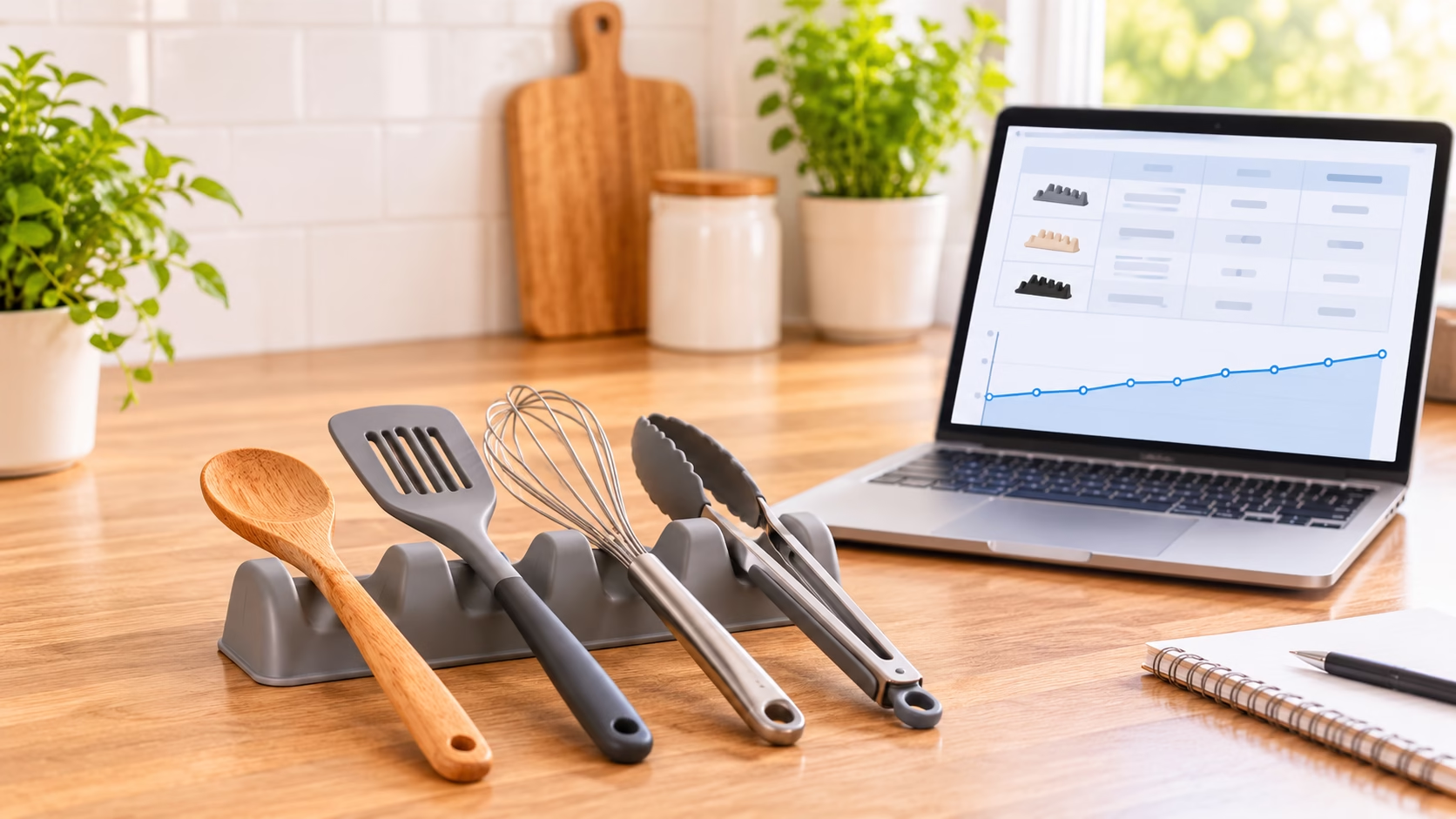
Say you want to sell a silicone utensil rest. You find several that look like the one you have in mind. Before you ask a factory for samples, you need two numbers. What price can you defend? At that price, how much can you spend on each unit?
2. What is Pangolinfo, and where does it fit in Amazon research?
Pangolinfo helps you collect data from Amazon pages. You can start with a search term, find competing products, and check them again later. You have two ways to do that work.
AMZ Data Tracker for sellers who want a table
AMZ Data Tracker gives you a table you can use without writing code. You choose which fields to display. An ASIN [Amazon’s ID for a catalog item] helps you keep track of the exact product you checked.
That ID matters more than the title. Two gray utensil rests may look alike, but one might be a twin pack. Keep the ASIN, pack size, and date together so you can find the same offer next week.
Amazon Scraper API for analysts who repeat the same checks
An API [a way for apps to exchange data] lets your software request Amazon data. For example, you can search for “silicone utensil rest,” then request details for each matching ASIN.
You get results in a form your software can read. That’s useful if you already have a report and want to refresh it each week. If you just want to inspect ten listings yourself, start with the Tracker.
3. Which Pangolinfo features help validate a product?
A useful product check starts with a question. For the utensil rest, three features earn their place in the workflow.
Which products compete for my keyword?
A keyword search gives you a list of candidates. Product details help you decide which ones belong. A ceramic dish for one spoon may rank for your search, yet a shopper who needs four slots has a different job in mind.
Keep the first search results as well as your final list. That way, you can explain why you ruled an item out.
Do the same competitors and prices keep appearing?
Check the same listings on set dates. A seller may offer a coupon on your first visit and drop it by the next. With dated prices, you can spot that change before you set your own price.
Your first capture marks the start of your record. If you have one week of prices, label it as one week.
What do buyers want changed?
The Review API lets you collect written reviews. Read them for details you could act on. “My ladle tips over” gives you a feature to test on a sample. A low star score alone tells you little about what to change.
Review requests cost more credits than standard product requests. Narrow the field first, then spend those credits on your closest rivals.
4. Pangolinfo pricing: what does each plan buy?
The three standard paid plans include both the Tracker and the Scrape API. You can choose a tier by working out how many pages you’ll check in a billing month.
Monthly plans, annual prices, and who each suits
| Plan | Monthly price | Annual price paid upfront | Credits per month | Who it suits |
|---|---|---|---|---|
| Starter | $19 | $182.40 | 9,600 | You track a short list or test a few ideas |
| Professional | $99 | $950.40 | 60,000 | You run frequent checks across several niches |
| Expert | $369 | $3,542.40 | 240,000 | Your team collects large sets of pages |
| Enterprise | Custom | Custom | By agreement | You need a tailored volume or service agreement |
Prices are in US dollars. A credit buys a set amount of work. One standard Amazon Scrape API request uses one credit. A Tracker page uses 1.5 credits. A Review API request uses five.
What a real monitoring schedule costs in credits
Say you track 20 listings once a day for 30 days. If each check takes one Tracker page, the math looks like this:
| Task | Calculation | Credits |
|---|---|---|
| Check 20 listings daily | 20 × 30 × 1.5 | 900 |
| Add 40 review requests | 40 × 5 | 200 |
| Total for the month | 1,100 |
That uses about 11.5% of Starter. You’d still pay the full $19 for the month. If a check takes extra pages, count each one in your budget.
Costs that are easy to overlook
Unused monthly credits expire at the end of the billing cycle. Annual billing cuts the price by 20%, but you still receive credits each month. You can’t draw on a full year’s credits to fund one large project.
A 20,000-credit add-on costs $35. Monthly plans renew automatically, so check your renewal date if you only need one month.
The free offer needs a closer look. Pangolinfo’s pages describe both 60 free requests and 60 free credits. Those amounts can buy different workloads. [VERIFY] your account’s allowance, whether it renews, and whether it covers Tracker before you plan a trial.
5. Worked product check: should you sell a silicone utensil rest?
Use a single four-slot silicone rest with a drip pad as your candidate. Zulay Kitchen sells this style, so you have a real design to compare. The costs below illustrate a buying decision. No live Pangolinfo run, supplier quote, or Amazon sales figure is claimed here.
Step 1. Define the product before looking at results
Search Amazon US for “silicone utensil rest” and “silicone spoon rest with drip pad.” Keep single units with slots for several tools. Leave out twin packs, ceramic dishes, and models that hold pot lids.
Record the date and delivery ZIP code. Save a screenshot showing one item you kept and one you dropped. If you repeat the search later, those two examples will help you apply the same rules.
Step 2. Check whether shoppers keep looking for it
Take the first ten comparable unpaid results for each term. Remove duplicate ASINs. Repeat once a week for four weeks to see which products keep showing up.
Then open Product Opportunity Explorer in Amazon Seller Central. Find the closest niche [a group of related shopper needs]. Check search and buying trends over the longest period shown. Save the chart with its dates visible.
Look closely at what the niche covers. If it includes ceramic spoon rests, its search volume covers those too. Use that figure to judge interest in the wider group. You still need evidence that shoppers want the four-slot design.
For more ways to check demand, read our guide to finding trending products on Amazon.
Step 3. Measure how crowded the shortlist is
Give each search result a row. Record its position, ASIN, brand, pack size, and rating count. Mark paid placements separately. Group colors of the same design so six shades don’t look like six distinct rivals.
Now count how many unpaid spots each brand holds. Use a count such as “three of ten” when you report your own results. Keep the search positions for this step, even if you removed duplicates from the buying shortlist.
Step 4. Find a price a new seller could defend
For each single unit, record the regular price, any coupon, and the date. Sort the regular prices and find the middle value. That’s the median. Keep coupon prices in their own column, along with any conditions the buyer must meet.
Check the low end across your weekly captures. A rival that holds a low price for four weeks deserves more weight in your plan than a coupon you saw once. Use both prices in your cost check if the offer could affect your launch.
Step 5. Read reviews for a reason to choose your version
Read recent praise and complaints from at least three comparable listings. Pay attention to fit, spills, and cleanup. Can a wide handle sit in the slot? Does sauce run past the edge? Can you wipe the corners clean?
For each issue, record the variant, how many reviews you read, and how many mention it. Then write a sample test. If buyers mention tipping, place a heavy ladle in the slot and see whether the base stays flat.
Step 6. Calculate the maximum landed cost before contacting suppliers
Use Amazon’s Revenue Calculator with your planned price, category, packed weight, and dimensions. Include the referral fee [Amazon’s share of each sale] and fulfillment fee [the charge to pick, pack, and ship]. Add an allowance for ads, returns, storage, and any inbound costs your quote leaves out.
Then work backward. Your landed cost includes the cost to buy the unit and get it to the destination you specify. Ask your supplier which freight and duty costs the quote includes. Count each cost once.
| Illustrative amount per unit | At $12 | At $11 |
|---|---|---|
| Selling price | $12 | $11 |
| Assumed Amazon fees | −$5 | −$5 |
| Ads and other variable costs | −$2 | −$2 |
| Amount you want left per sale | −$2 | −$2 |
| Most you can spend on landed cost | $3 | $2 |
Say a landed quote comes back at $2.50. With these assumptions, you’d have $2.50 left per sale at $12, but just $1.50 at $11. Only the first price clears your $2 target. That amount still has to help cover fixed costs. Rerun actual fees at each price before placing an order.
Step 7. Give separate product and subscription decisions
Product decision: hold. The example shows where the deal would work. You still need a dated market price, a landed quote, and evidence of demand. If the product needs a $12 price, check why a shopper would choose it over an $11 rival.
Subscription decision: record credits used, time spent, and what changed your buying decision. If you’ll repeat that work across several ideas next month, you have a reason to consider Starter.
6. Pangolinfo pros and cons for product research
The benefit is clearest on your second check. You can revisit the same group of products and see which offers changed.
Pros: repeatable comparisons and a measurable collection cost
A dated shortlist gives you a record you can revisit when a supplier quotes a price. Published credit rates also let you price the next round of research before you add more products.
Cons: credit expiry, review costs, and interpretation time
A quiet month can leave you with credits that expire. Review requests can also use your allowance quickly. And you still need to inspect the listings. The tool can collect two prices without telling you that one belongs to a twin pack.
7. Pangolinfo vs. Jungle Scout vs. Amazon Product Opportunity Explorer
Choose the tool that answers your next question. Each one brings a different kind of evidence to the utensil-rest check.
| Tool | Question it answers best | How to use the answer |
|---|---|---|
| Pangolinfo | Which listings and offers keep appearing for my search terms? | Build a dated record of rivals, prices, and reviews. |
| Jungle Scout | Which products meet my estimated monthly sales target? | Screen ideas using estimated units and revenue from the past 30 days. |
| Amazon Product Opportunity Explorer | How do shoppers search and buy across this niche? | Check demand, purchase trends, and returns in Seller Central. |
If you already use Seller Central, start with the niche view. Move to listing checks when you can name the products you need to watch. If you need a quick screen by estimated unit sales, Jungle Scout fits that task more directly.
Compare more options in our Amazon product research tools guide.
8. Who should pay for Pangolinfo, and who should skip it?
Think about what you’ll check next month. That’s a better guide to a subscription than the size of the first project.
Consider paying if you revisit the same listings
Starter makes sense if you check rivals each week and act on price or offer changes. If you run a larger report, count its pages and refreshes first. Move up a tier when the workload calls for it.
Skip or postpone if your main question is still niche demand
If you haven’t picked a product type, use Amazon’s niche data to narrow the field. If you only need to compare a handful of listings once, a manual table may be enough.
9. Pangolinfo pricing and product research FAQs
How much does Pangolinfo cost per month?
Starter costs $19, Professional costs $99, and Expert costs $369 per month. Enterprise pricing is custom.
Does Pangolinfo have a free trial, and do the credits renew?
Pangolinfo advertises free API use. Its public descriptions differ on the allowance and renewal. Check the terms shown in your account before you schedule repeat checks.
Can I use Pangolinfo for Amazon research without coding?
Yes. AMZ Data Tracker offers a no-code way to track products in a table. Use the API if you want to feed data into your own software.
How many credits would tracking 20 products daily use?
At one Tracker page per product, you’d use 30 credits a day. That adds up to 900 credits in a 30-day month, before any review requests.
Can Pangolinfo tell me exactly how many units a competitor sells?
A listing capture can’t establish an exact sales count. Search rank, reviews, and prices can inform your research, but none gives you a rival’s order records.
Our Amazon sales estimator guide explains how sales estimates work and where they can mislead.
Should a beginner choose Pangolinfo or Jungle Scout?
Choose Pangolinfo if you want to watch specific listings over time. Choose Jungle Scout if you want to screen ideas by estimated sales. If your first question is about demand across a niche, start in Seller Central.
10. Verdict: test one shortlist before subscribing
Pangolinfo pricing makes the most sense when repeat checks guide a decision. Pick one keyword and five close rivals. Check your free allowance, collect the prices, and work out the most you can pay per unit.
Then ask what a second check would be worth. If a price change could alter your supplier offer or stop a poor order, Starter is worth considering. If you already have the answer you need, keep the $19.